
Optimizing DAX (New)


This video course teaches you how to optimize queries and measures in DAX.
DAX is the native language of Power Pivot for Excel, Power BI Desktop and SSAS Tabular models in Microsoft SQL Server Analysis Services. This video course is aimed at users of Power BI and Analysis Services developers who already know the DAX language and want to learn how to optimize DAX formulas and models for improving performance.
The goal of the video course is to enable you to find bottlenecks in DAX calculations using Performance Analyzer and DAX Studio, providing the knowledge to improve the performance by using different DAX formulas or by changing the data model, when required. The video course is made up of over 29 hours of lectures covering the formula engine and the VertiPaq storage engine – other hours of lectures will be added by the end of 2023 with the additional sections for DirectQuery and composite models. You can watch the videos at any time and the system will keep track of your progress.
The companion content available to the students includes:
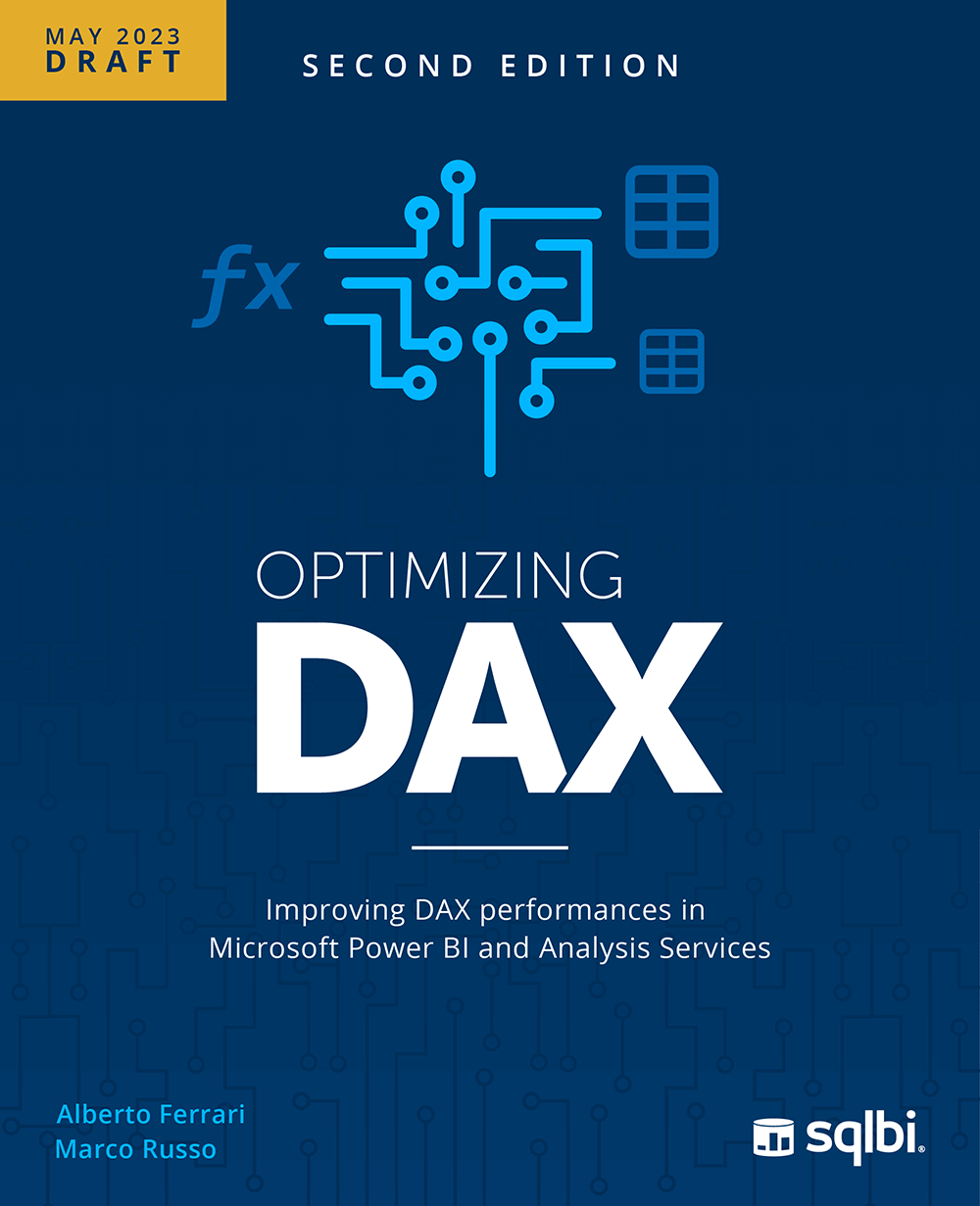 The PDF version of Optimizing DAX The book includes a detailed description of all the modules of the video course. You have access to draft versions before the book is published by the end of 2023.
- PBIX files for all the demos
- DAX code for all the demos
- Backup of SQL Server databases to refresh the PBIX files
- BIM file to create Analysis Services databases used for demos with large models
Students have access to a private discussion area where they can interact with the instructors, asking questions related to the lectures and the exercises.
Prerequisites: Students need a good knowledge of the DAX Language, and a previous experience using Power BI Desktop or Analysis Services Tabular. You may acquire this knowledge by following the Mastering DAX Workshop, or by having equivalent real-world experience.
Course Features
- Lectures 192
- Quizzes 0
- Duration 50 hours
- Skill level All levels
- Language English
- Students 2
- Assessments Yes
-
1. Introduction
-
2. Download software, demos, and book
-
3 .Introducing optimization with examples
-
4. Introducing the Tabular query architecture
- 4.1 .Introducing the Tabular query architecture
- 4.2 Introduction
- 4.3 Introducing the formula engine
- 4.4 Introducing VertiPaq and DirectQuery architectures
- 4.5 Introducing the VertiPaq storage engine
- 4.6 Introducing the DirectQuery over SQL storage engine
- 4.7 Introducing DirectQuery over AS
- 4.8 Introducing data islands and cross-island query resolution
- 4.9 Different types of models
-
5. Using the Power BI Desktop performance analyzer
-
6. Using DAX Studio
-
7. Introducing query plans
-
8. Understanding the DAX Formula Engine
- 8.1 Understanding the DAX Formula Engine
- 8.2 Introduction
- 8.3 Understanding datacaches
- 8.4 Understanding materialization
- 8.5 Understanding callbacks
- 8.6 Formula engine with different storage engines
- 8.7 Understanding vertical fusion
- 8.8 Understanding horizontal fusion
- 8.9A Sales of best products
- 8.9B Top three colors
- 8.10 Measuring performance
- 8.11 Gathering important timings from the query plan
- 8.12 Analyzing query plans and timings
- 8.13 Conclusions
-
9. Understanding query plans
- 9.1 Understanding query plans
- 9.2 Introduction
- 9.3 Query plan structure
- 9.4 Query plan operator types
- 9.5 Interactions between the formula engine and the storage engine
- 9.6 Common query plan operators
- 9.7A Comparing SUM versus SUMX
- 9.7B IF versus IF.EAGER
- 9.7C Filtering with DAX versus using relationships
- 9.7D Understanding SWITCH optimization
- 9.8 Conclusions
-
10. Optimizing the formula engine
-
11. Understanding the VertiPaq engine
- 11.1 Understanding the VertiPaq engine
- 11.2 Introduction
- 11.3 Using VertiPaq Analyzer
- 11.4 Tabular data types
- 11.5 Introduction to the VertiPaq columnar database
- 11.6 Understanding VertiPaq compression
- 11.7 Understanding segmentation and partitioning
- 11.8 Understanding the importance of sorting
- 11.9 Understanding VertiPaq relationships
- 11.10 Understanding attribute hierarchies
- 11.11A Sales amount versus quantity and net price
- 11.11B Storing currency conversion data
- 11.11C Date time versus date and time
- 11.12 Conclusions
-
12. Understanding VertiPaq relationships
-
13. Analyzing VertiPaq storage engine queries
- 13.1 Analyzing VertiPaq storage engine queries
- 13.2 Introduction
- 13.3 Analyzing simple xmSQL queries
- 13.4 Introducing basic VertiPaq functionalities
- 13.5 Introducing batches
- 13.6 Understanding internal and external SE queries
- 13.7 Understanding distinct count in xmSQL
- 13.8A Introducing VertiPaq joins
- 13.8B Introducing bitmap indexes
- 13.8C Introducing reverse joins
- 13.9A Understanding VertiCalc and callbacks
- 13.9B Understanding CallbackDataID
- 13.9C Understanding EncodeCallback
- 13.9D Understanding LogAbsValueCallback
- 13.9E Understanding RoundValueCallback
- 13.9F Understanding MinMaxColumnPositionCallback
- 13.9G Understanding Cond
- 13.10 Understanding the VertiPaq cache
- 13.11 Choosing the correct data type for VertiPaq calculations
- 13.12 Conclusions
-
14. Moving and applying filters to tables
- 14.1 Optimizing common DAX constructs
- 14.2 Introduction
- 14.3A Different filters in CALCULATE
- 14.3B Analyzing single-column filters
- 14.3C Analyzing multiple-column filters
- 14.3D Analyzing filters over multiple tables
- 14.4 Understanding sparse or dense filters
- 14.5 Filter columns, not tables
- 14.6A Modeling many-to-many relationships
- 14.6B Testing the bidirectional model
- 14.6C Testing the star model
- 14.6D Testing the snake model
- 14.6E Testing the advanced snake model
- 14.7 Conclusions
-
15. Optimization examples for VertiPaq
- 15.1 Optimization examples for VertiPaq
- 15.2 Introduction
- 15.3 Optimizing nested iterations
- 15.4 Understanding the effect of context transition
- 15.5 Different ways of performing a distinct count
- 15.6 Optimizing LASTDATE calculations
- 15.7 Avoid using SUMMARIZE and clustering
- 15.8 Optimizing division by checking for zeroes
- 15.9 Reducing the extent of the search by removing blanks
- 15.10 Optimizing time intelligence calculations
- 15.11 Distinct count over large cardinality columns’
- 15.12 Conclusions
-
16. Understanding security optimizations
- 16.1 Understanding security optimizations
- 16.2 Introduction
- 16.3 Testing security conditions and their performance impact
- 16.4 Understanding when and where security is enforced
- 16.5 Understanding cached bitmap indexes and embedded filters
- 16.6 Optimizing dynamic security
- 16.7 Optimizing static security on the fact table
- 16.8 Optimizing dynamic security on the fact table
- 16.9 Conclusions
-
17. Understanding DirectQuery over SQL
- 17.1 Introduction
- 17.2 Reading SQL code in this course
- 17.3 Reading the numbers in DAX Studio
- 17.4 Callback operations
- 17.5 Calculated tables
- 17.6 Calculated columns
- 17.7 How caching works in DirectQuery over SQL
- 17.8 Understanding latency to send queries to the remote server
- 17.9 Max number of rows in a data cache
- 17.10A Regular one-to-many relationships
- 17.10B Limited many-to-many relationships
- 17.10C One-to-one relationships
- 17.11 DirectQuery over SQL max parallel queries
- 17.12 Using different data islands
- 17.13 Introducing aggregations and hybrid tables
- 17.14 Conclusions
-
18. Optimizing DirectQuery over SQL
- 18.1 Introduction
- 18.1A Introduction
- 18.1B Designing indexes
- 18.1C Using columnstore indexes
- 18.1D Choosing column data types
- 18.1E Do not use Power Query transformations
- 18.2A Choosing the best data type for relationships
- 18.2B Relying on referential integrity
- 18.2C Using COMBINEVALUES to implement multi-column relationships
- 18.3A Introducing aggregations
- 18.3B Introducing VertiPaq aggregation and Dual storage mode
- 18.3C Designing aggregations for simple calculations
- 18.3D Designing aggregations for row-level calculation
- 18.3E Designing aggregations for distinct count
- 18.3F Aggregations are not VertiPaq aliases of DirectQuery tables
- 18.3G Manually activating aggregations in DAX
- 18.3H Using automatic aggregations
- 18.4A Introducing hybrid tables
- 18.4B Hybrid tables and distinct count
- 18.4C Creating hybrid tables with incremental refresh
- 18.5 Conclusions
-
19. Optimization examples for DirectQuery
-
20. Conclusion


